Upload and change your website image
For security reasons, the server is only accessible from an IP address of the University of Tübingen.
For external access use VPN.
Use one of the following browsers: Safari, Firefox, Google Chrome or Microsoft Edge
1. Navigate to: https://idmgmt.neurologie.uni-tuebingen.de
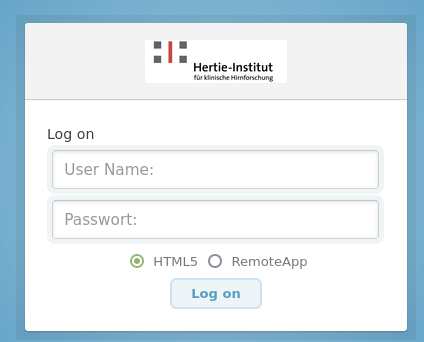
2. Login with your account
User Name : Your loginID
Passwort: Your password
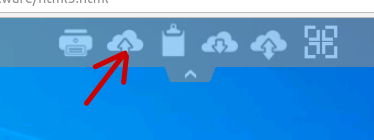
In the center of the top of the screen is a small arrow for the upload menu.
3. Press the upload button.
Upload your picture
- use .jpg or .png format and a small image size.
You can find the uploaded image on your desktop.

4. Start the Code Two program
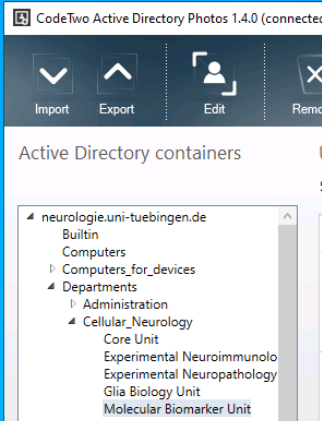
5. Navigate to your workgroup.
Example: neurologie.uni-tuebingen.de / Departments / Cellular_Neurology

On the right side you will find your user. Click the icon for upload and upload your picture (which you will find on your desktop).
5. Close CodeTow and log out.