Check Windows 11 compatibility
#Automatic compatibility check from inside Windows 10
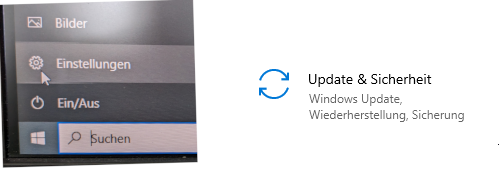
Click: Start/Settings/Update&Security
Case 1:
If an update to Windows 11 is offered here, the device is compatible with Windows 11.
Cases 2 and 3:
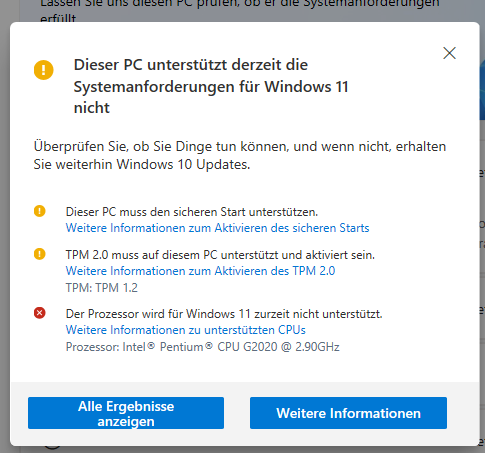
A message may appear indicating that the computer is not Windows 11 compatible.
Often no Windows 11 compatibility message appears at all.
#Manual compatibility check
Microsoft provides software for testing.
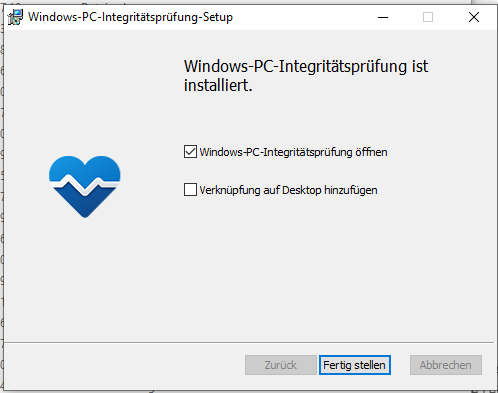
#1. Download, unzip and execute the program.
You can download it here:
Download windowspchealthchecksetup.msi (ZIP, 4.38 MB)
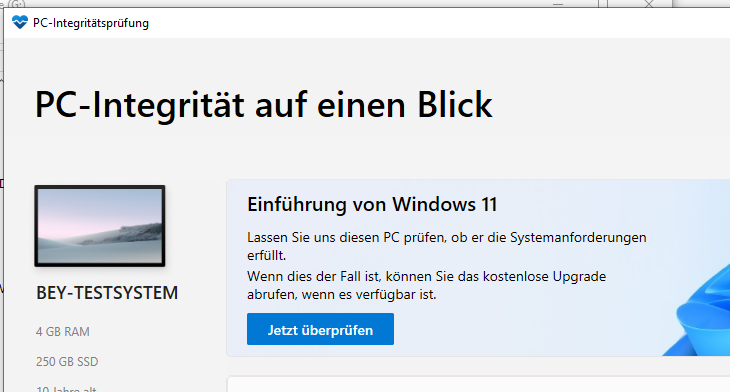
#2. Click "Jetzt Überprüfen"
#3. Result
A red cross means that the computer is not capable of running Windows 11.
If a yellow "!" appears, the computer can possibly be made Windows 11-capable by BIOS configuration. We recommend to have this checked by a member of the IT staff. (If you are a BIOS specialist, you can also try the configuration yourself).