Change your personal data
For security reasons, the server is only accessible from an IP address of the University of Tübingen.
For external access use VPN.
Use one of the following browsers: Safari, Firefox, Google Chrome or Microsoft Edge
#1. Navigate to:
https://idmgmt.neurologie.uni-tuebingen.de
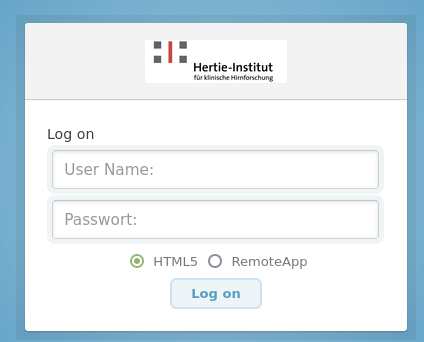
#2. Login with your account **
Domain: neurologie
User Name : Your loginID
Passwort: Your password
#3. Start "Active Directory Users and Computers"
Navigate to or search for your user
You can edit:
Tab General:
- Office
- Telephone number
Tab Address:
- all fields
All other changes must be done by the administration of your working group.