Access fileserver from Apple MacOS
To access our servers you need to be in the institute or in University-VPN using your university account.
You can find instructions to the University-VPN on the ZDV website.
#Connect to our fileserver (1st version)
From outside you have to use the fully qualified name of our server.
Finder - Go To - Connect to Server (or cmd-K)
smb://neurologie.uni-tuebingen.de/hih-storageFor login use your HIH account.
The top folder of the file system appears.
The home directory is located at: homes/(your)Department/userID.
Example:
smb://neurologie.uni-tuebingen.de/hih-storage/homes/Neurodegenerative_Diseases/exampleusr#Connect to our fileserver (2nd version, if version 1 does not work)
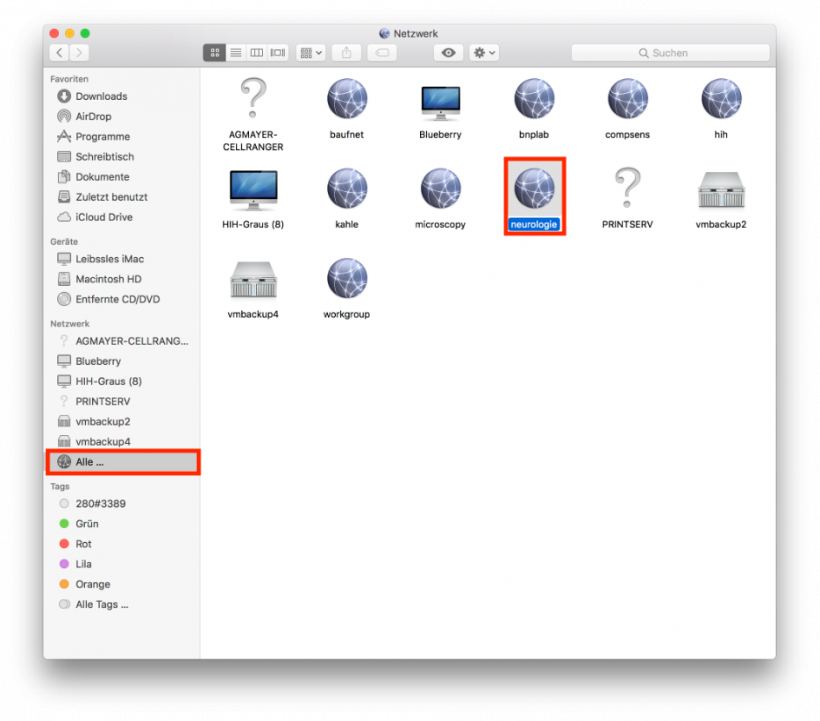
In Finder click Netzwerk - Alle... Doubleclick neurologie
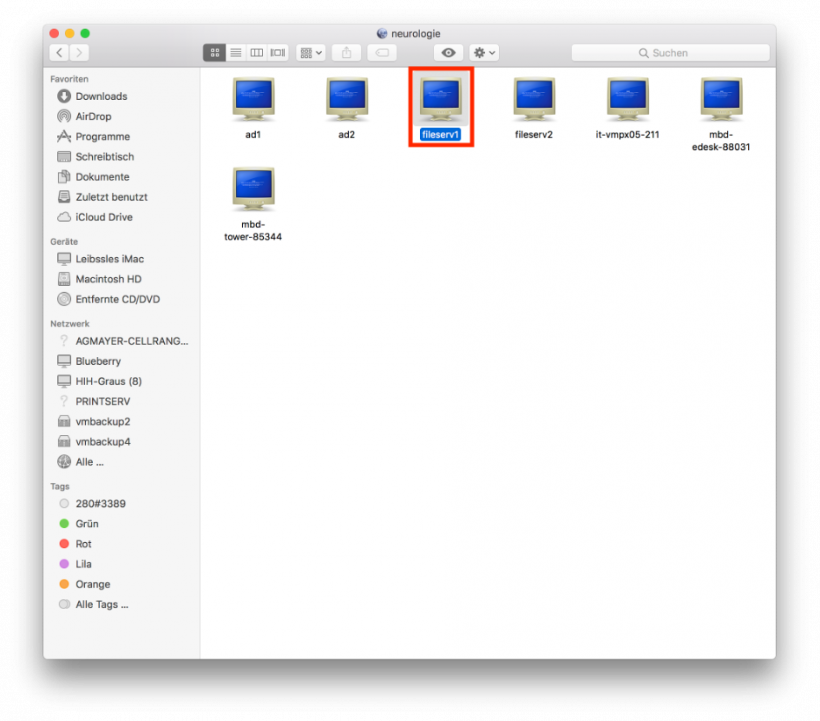
Doubleclick fileserv1
Click Connect as...
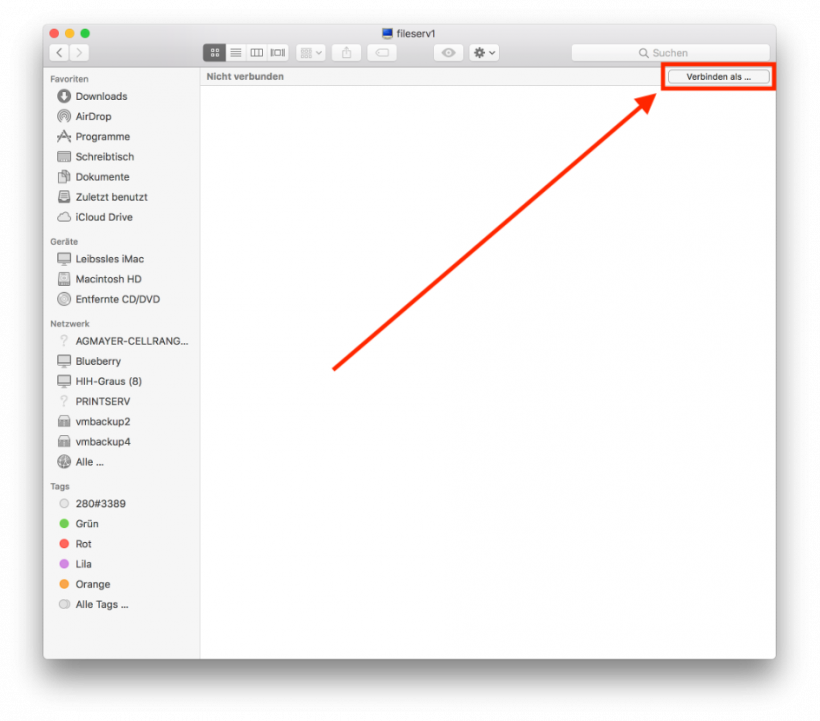
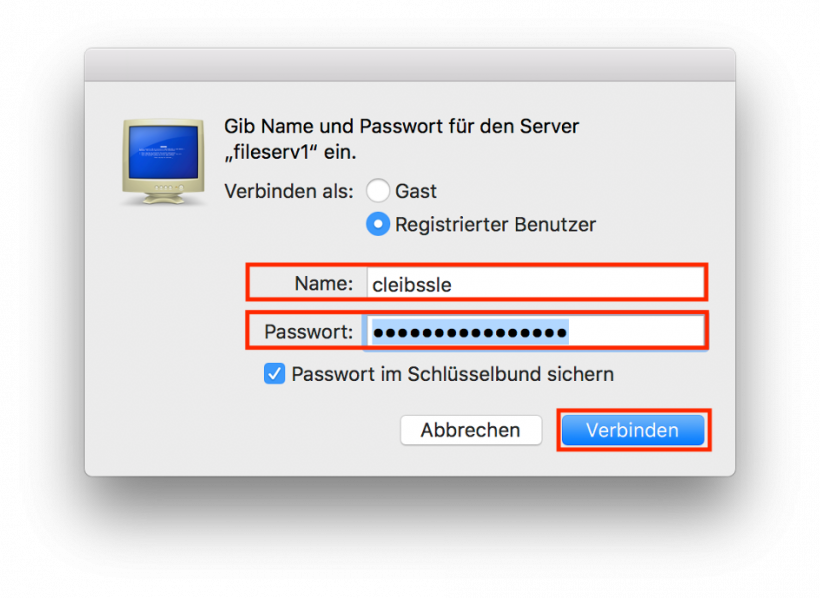
Enter your username and password and click Connect
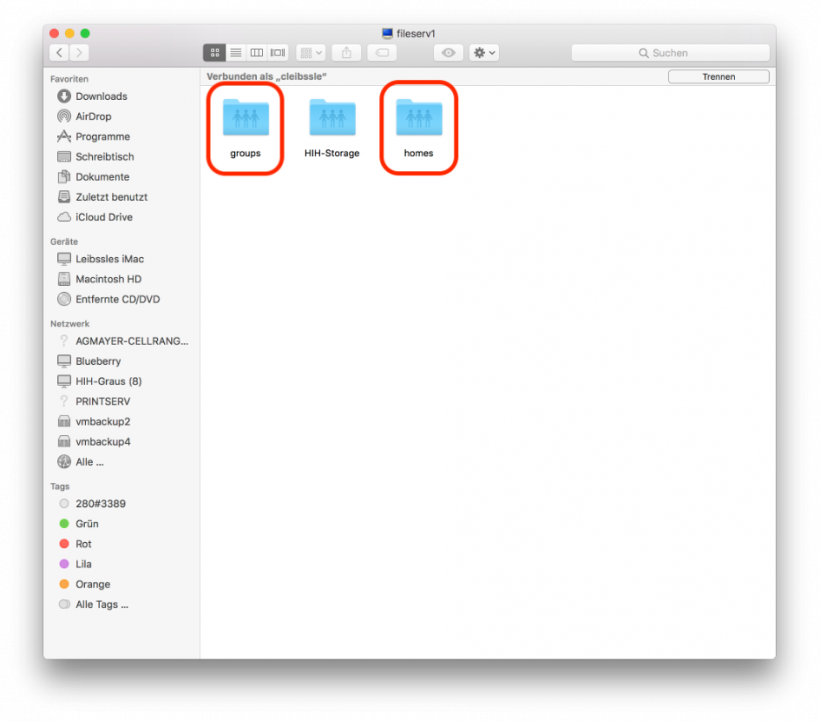
Choose groups for your group's data or homes for your personal storage area